
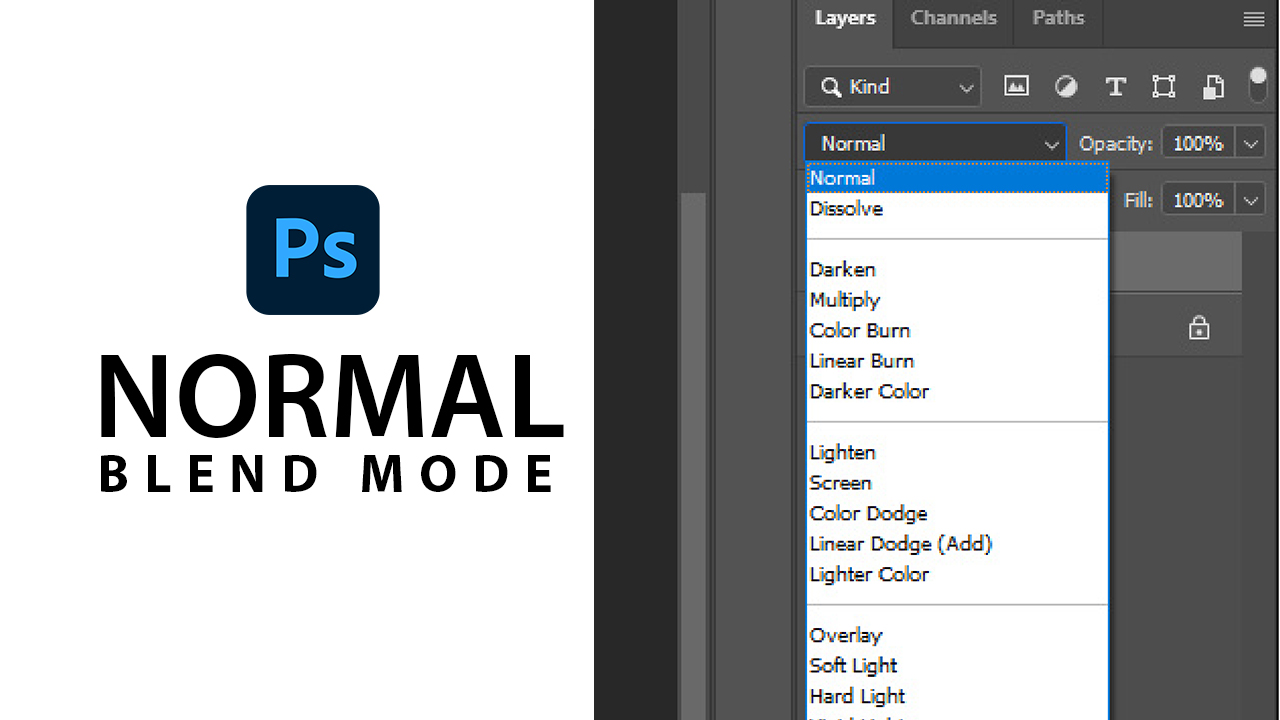
Blend modes, also known as blending modes are use to determine how colors from two or more layers interact and blend together to create a composite image. in this Article, you will learn about Adobe Photoshop blend modes and what they are used for, with image to practice with. Download this PSD file to follow along this course.
Download: https://drive.google.com/file/d/1sI51n-OOdUyA2VMQ-Gyl0CJSO6wwcE9I/view?usp=drive_link
Normal Blend Mode: Also known as “Pass Through” on group layers, is the default blend mode that is applied to every layer created, it is used to bring back an image to it original state.
Practice:
1. Duplicate the layer using (CTRL + J) keys
2. Change it blend mode to “Screen”, what you'll observe is that it brighten the image. now, change it back to “Normal” blend mode, and it will restore the image back to it original state.
Was this course helpful?
Click Here to Learn About Other Blend Modes
Photoshop Courses | Top Creativites
Comments (0)