
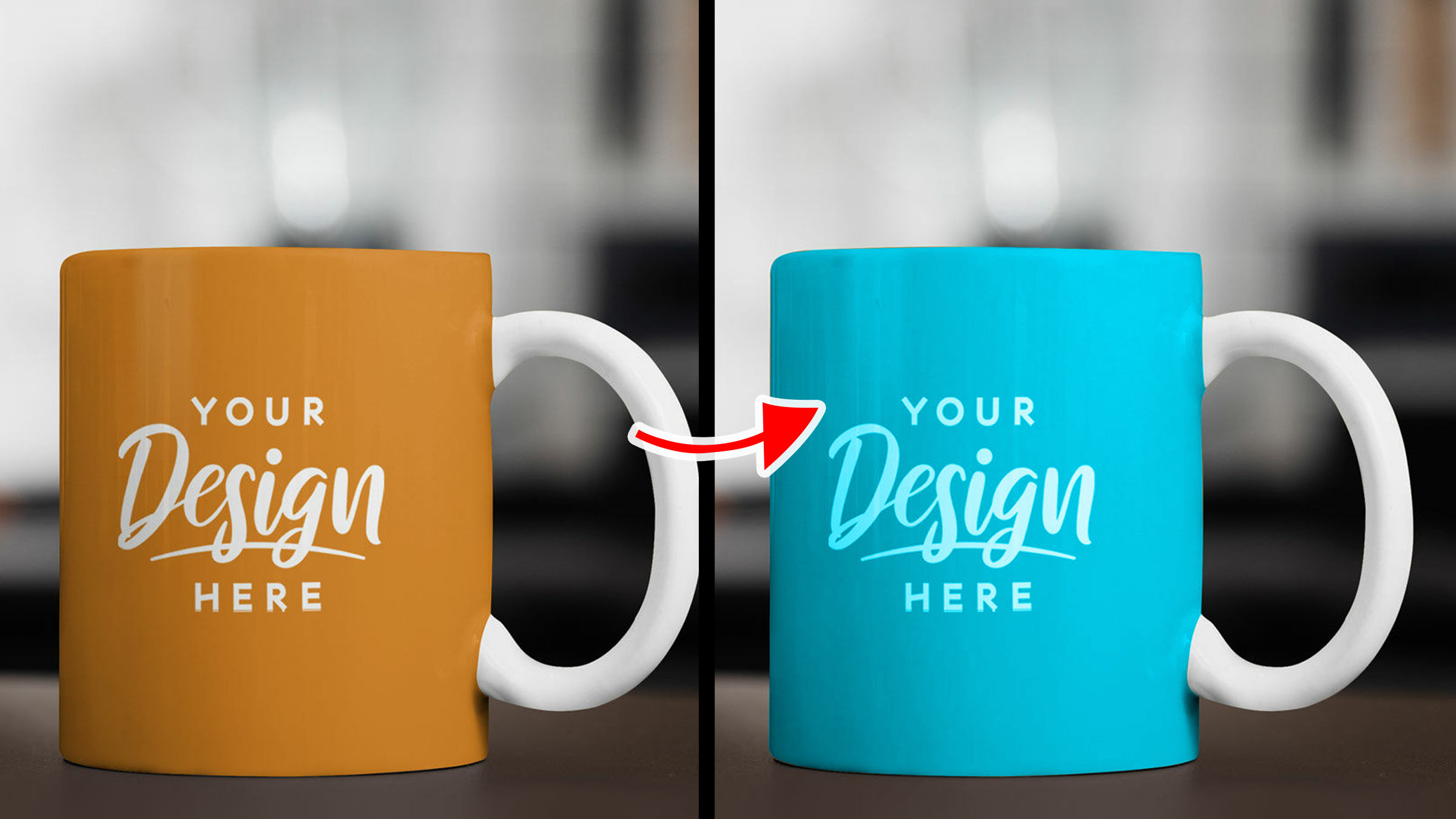
Blend modes, also known as blending modes are use to determine how colors from two or more layers interact and blend together to create a composite image. in this Article, you will learn about Adobe Photoshop “COLOR” blend mode and what it is used for, with image to practice with. Download this PSD file to follow along this course.
Download: https://drive.google.com/file/d/1BaFGZzGhSbrXNS9gD5pejxD6vOmdCz-a/view?usp=drive_link
How to Open PSD file
Double click on the downloaded PSD file, if you've installed Photoshop, it will automatically open.
Color Blend Mode: A very useful blend mode, created specially for changing the colors of object or image.
Practice 01:
1. Turn on the “Color Fill” layer by clicking on the eye icon
2. Change it blend mode to “Color”
What will happen is, it changes the mug color to the selected color in the “Color Fill” layer
Facts About the Color Blend Mode
1. It can change any object color to any color you desire.
2. It cannot change an object or vector color that has 0% black or fully white.
Click Here to Learn About Other Blend Modes
Photoshop Courses | Top Creativites
Comments (0)